This article uses jQuery to call a function after a page is loaded.
Table of contents:
P.S Tested with jQuery 3.7.1
1. $(document).ready()
In jQuery, the code inside the $(document).ready() method will run once when the Document Object Model (DOM) is ready, equivalent to the DOMContentLoaded event in plain JavaScript.
$(document).ready(function() {
  console.log('The page has loaded!');
  // Your jQuery code goes here
});
Or, using the shorthand for .ready():
$(function() {
  console.log('The page has loaded!');
  // Your jQuery code goes here
});
2. jQuery call a function after page loaded
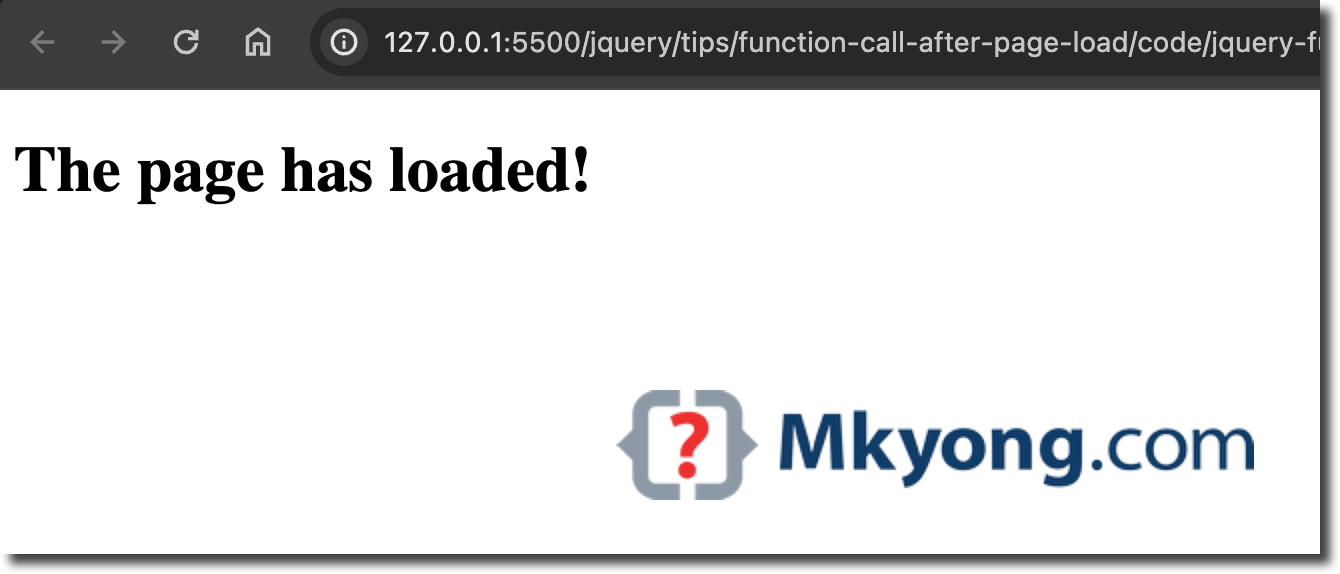
Below is a complete jQuery example to call a function to replace the text after loading the page (DOM ready).
<!DOCTYPE html>
<html lang="en">
<head>
<meta charset="UTF-8">
<meta name="viewport" content="width=device-width, initial-scale=1.0">
<title>jQuery examples</title>
<script src="https://cdnjs.cloudflare.com/ajax/libs/jquery/3.7.1/jquery.min.js"></script>
</head>
<body>

<div id="container">Hello World!</div>

<script>

  // jQuery function calling after page loaded
  $(document).ready(function() {
    $("#container").html("<h1>The page has loaded!</h1>");
  });

  // alternative
  /*$(function() {
    $("#container").html("<h1>The page has loaded!</h1>");
  });*/

</script>

</body>
</html>
output

No comments yet. Be the first to leave a comment!