Run php-cgi.exe and hits a pop up dialog showing the following error message :
Application Error : The application was unable to start correctly (0xc000007b)
Terminal
c:\php7.1>php-cgi.exe -b 127.0.0.1:9123
Tested with PHP 7.1.10 on Windows 10
Solution
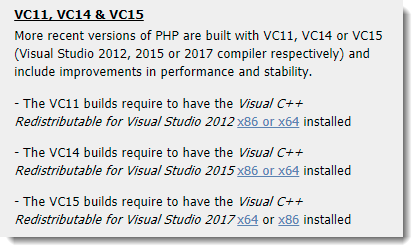
To run PHP on Windows, you need to install Redistributable for Visual Studio, refer to the official PHP download website, for example, if you downloaded the “PHP VC14 build” zip file, you need to install Visual C++ Redistributable for Visual Studio 2015.

Thanks for sharing this information. I had tried using nginx for windows. No problem in php 7.2 which I had install as package on XAMPP. But when I was trying with php 5.6 (both thread and non thread) which I downloaded separately from official php site, I encountered this error when running this php-cgi.exe.
I am going to download the required redistributable file.
nice tutorial broo keep it up