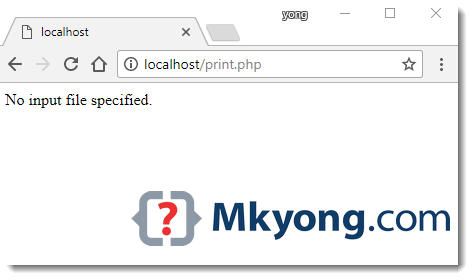
A common Nginx + PHP error message “No input file specified.”
nginx.conf
http {
    include       mime.types;
    default_type  application/octet-stream;

    server {
        listen       80;
        server_name  localhost;

        location / {
            root www;
            index  index.html index.htm;
        }

		location ~ \.php$ {
			fastcgi_pass   127.0.0.1:9999;
			fastcgi_index  index.php;
			fastcgi_param  SCRIPT_FILENAME  $document_root$fastcgi_script_name;
			include        fastcgi_params;
		}

    }

}
Tested with Nginx 1.12.1 + PHP 7.1
Solution
PHP unable to find the .php file to execute, because the root file path in location / {} doesn’t apply to the location ~ \.php$.
To solve it, move the root file path to server block like this :
nginx.conf
http {
    include       mime.types;
    default_type  application/octet-stream;

    server {
        listen       80;
        server_name  localhost;

		# Move the root file path to server block.
		root www;

        location / {
			#root www;
            index  index.html index.htm;
        }

		location ~ \.php$ {
			fastcgi_pass   127.0.0.1:9999;
			fastcgi_index  index.php;
			fastcgi_param  SCRIPT_FILENAME  $document_root$fastcgi_script_name;
			include        fastcgi_params;
		}

    }

}

This doesn’t work on server:
Windows server 2019 x64
nginx-1.17.9
PHP 7.4.4 x64 thread safe
I solve problem by adding second slash:
root c:”\\nginx”\\html; – it work’s fine
REMOVE “
thanks, it worked!
Thanks for sharing this post, excellent. Really looking forward to read more. Great place! Keep up the superb writing. I will be experiencing most of the issues also.
great article