How to change Eclipse theme

In this tutorial, we will show you how to change the Eclipse Theme. Tools used : Eclipse 4.4 Luna, works on earlier version. Eclipse Color Theme Plugin Figure : This is how your final Eclipse IDE looks like 1. Install Eclipse Color Theme Plugin Install the theme plugin and restart Eclipse. Eclipse menu -> Help …

Read more

Remove all default CSS styling from PrimeFaces

By default, PrimeFaces will return total of four files, 2 css files and 2 Javascript files. <link type="text/css" rel="stylesheet" href="/primefaces/faces/javax.faces.resource/theme.css?ln=primefaces-aristo" /> <link type="text/css" rel="stylesheet" href="/primefaces/faces/javax.faces.resource/primefaces.css?ln=primefaces" /> <script type="text/javascript" src="/primefaces/faces/javax.faces.resource/jquery/jquery.js?ln=primefaces"></script> <script type="text/javascript" src="/primefaces/faces/javax.faces.resource/primefaces.js?ln=primefaces"></script> Some people don’t like the default PrimeFaces CSS file and wonder how to remove it? Solution You are allow to remove only the …

Read more

Create a custom theme in PrimeFaces

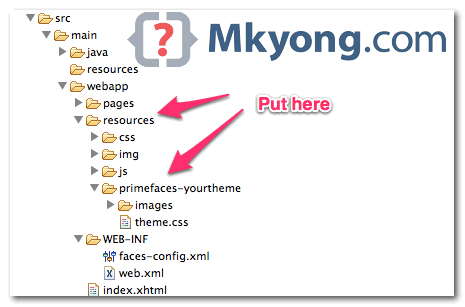
PrimeFaces is using jQuery ThemeRoller framework, and it comes with 30+ pre-defined themes, visit all available themes, before create a custom theme. In this tutorial, we will show you how to create a custom theme and apply it in PrimeFaces. 1. ThemeRoller CSS Framework Visit jQuery ThemeRoller, play around the value to customize your theme, …

Read more

Changing theme in PrimeFaces

PrimeFaces is using jQuery ThemeRoller CSS theme framework, and come with 30+ pre-designed themes that you can download and apply in seconds. In this tutorial, we will show you how to change a theme n PriceFaces. There are two ways to change a theme : Using Maven to download and apply. Download manually and apply. …

Read more