In IDEA, clicks on the method name, press CTRL + Q to show the method signature on a pop up.
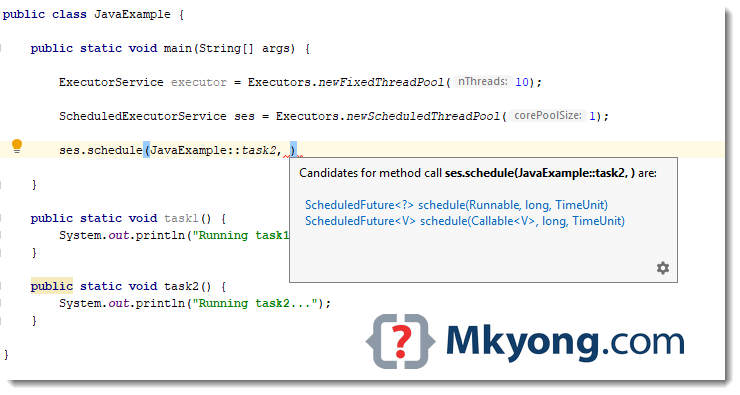
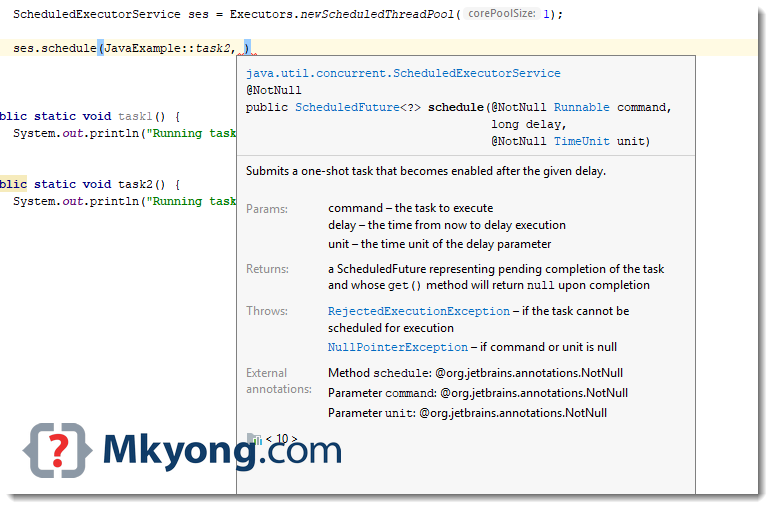
Alternatively, press CTRL + P to show the available parameters.
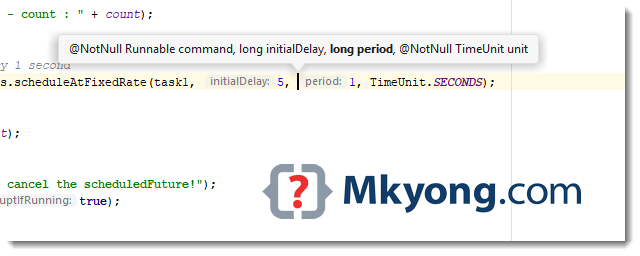
In IDEA, clicks on the method name, press CTRL + Q to show the method signature on a pop up.
Alternatively, press CTRL + P to show the available parameters.
Was this article helpful?

thanks bro 🙂