This article shows you how to update the IntelliJ IDEA to use the new JDK 13.
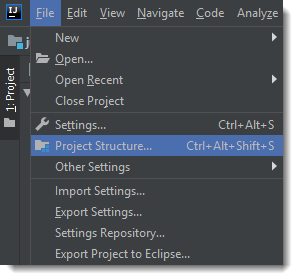
1. On the menu, clicks File -> Project Structure
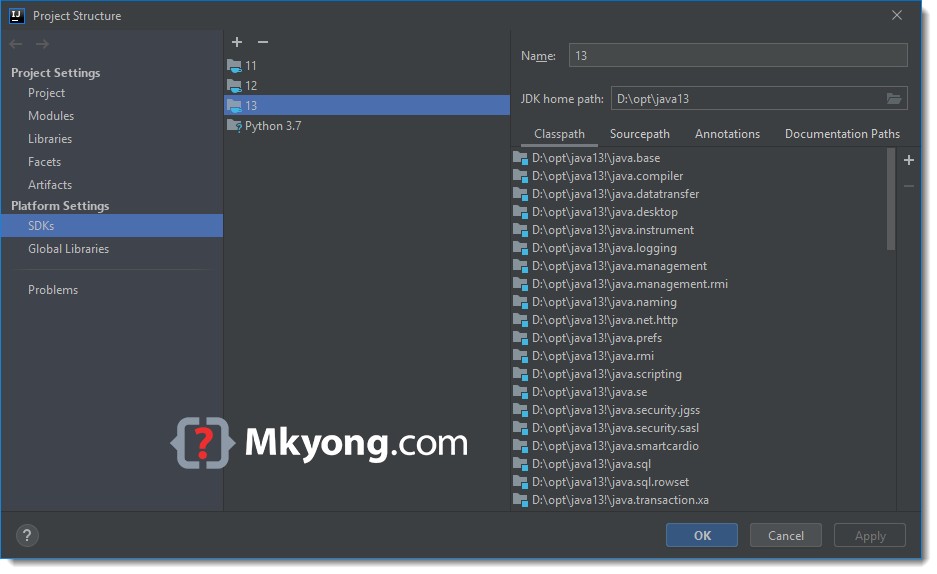
2. Platform Settings -> SDKs, add and point to the JDK 13 installed folder.
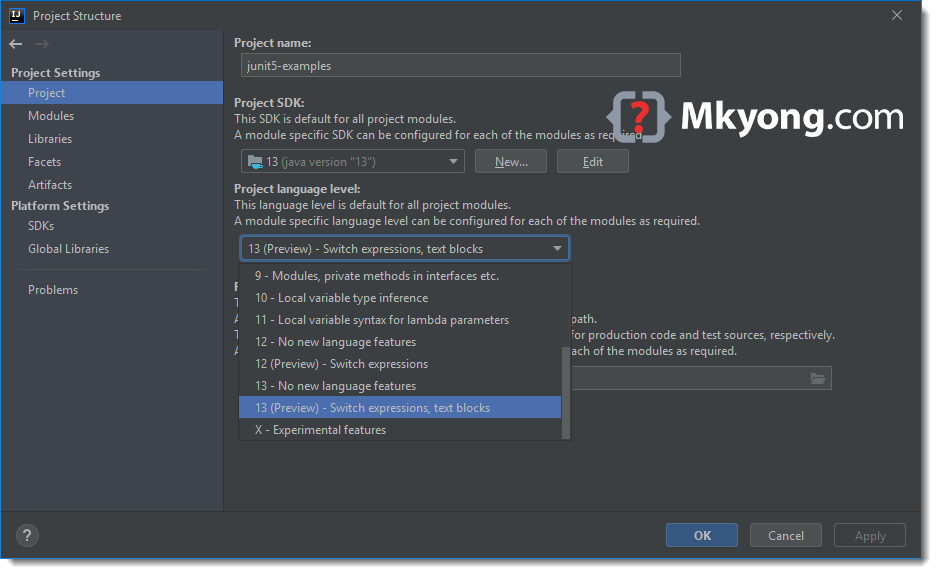
3. Project Settings -> Project, change both Project SDK and Project language level to JDK 13.
4. Project Settings -> Modules, change the language level to JDK 13.
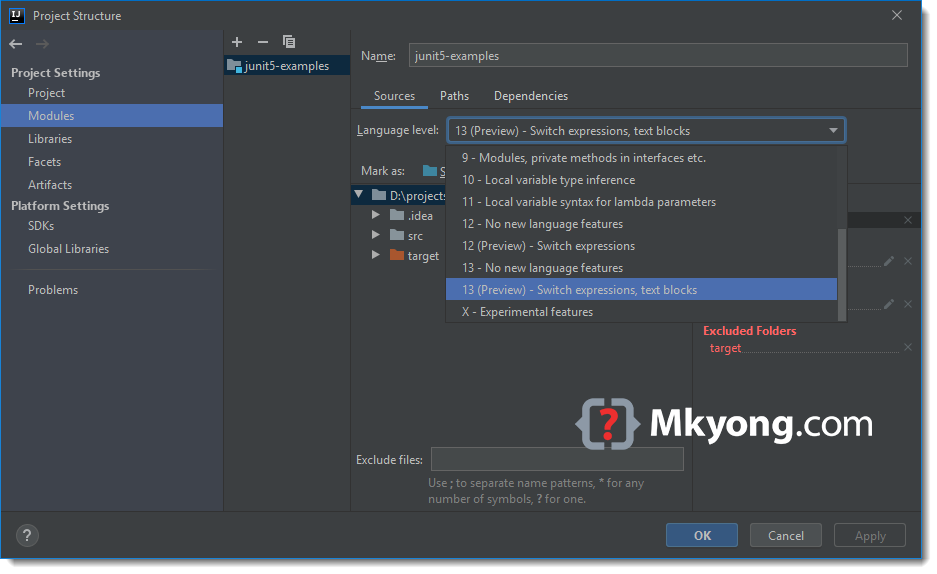
Done.

Thank you! Four years later, these instructions still work!
Thanks
Thank you! This worked..
Its not working for me 😓
Thanks
If you are using gradle, there’s one more gradle compiler version, note to update it as well.
how, where :<
Thanks a lot!
Thanks! I haven’t been able to do this before. I especially like that you posted the IDE version on top. It seems IntelliJ, especially CE, has or have had some limitations with regards to this.