My environment :
- JDK 1.7
- Eclipse 4.4
- Gradle 2.0
While gradle builld the project, I get following compile warning message :
:compileJavawarning: [options] bootstrap class path not set in conjunction with -source 1.5
1 warning
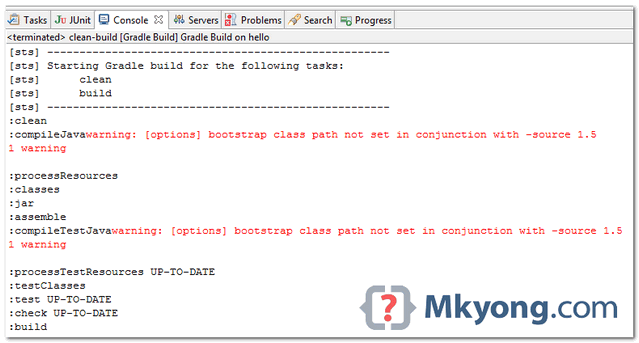
Figure : Eclipse console view.
Solution
The warning is saying you are using JDK 1.7, but try to compile the project with older version Java, for example JDK 1.5 or JDK 1.6
To fix it, set both “source” and “target” to JDK 1.7.
build.gradle
apply plugin: 'java'

sourceCompatibility = 1.7
targetCompatibility = 1.7

Thank you.Thank you. Thank you.