How to pass System Properties in web.xml

In Java standalone application, you can use -D option to pass in the system properties : $ java -Dgeoip.file="/home/mkyong/geoip/test.db" test.jar In Java web application, you can pass the system properties via context-param in web.xml : web.xml <web-app> <context-param> <param-name>geoip.file</param-name> <param-value>/home/mkyong/geoip/test.db</param-value> </context-param> </web-app>
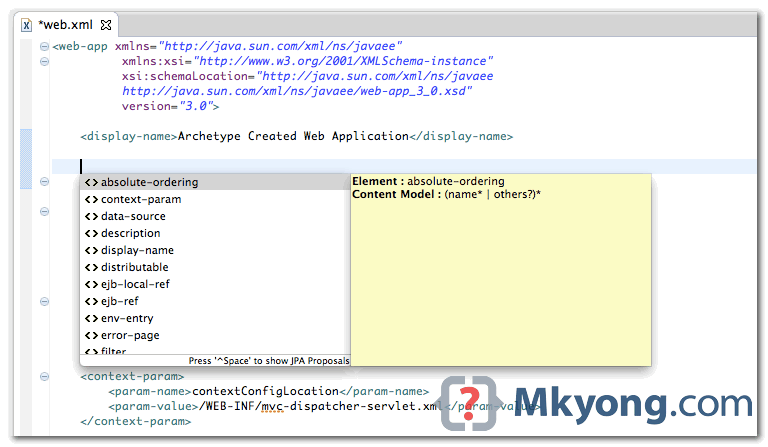
web.xml deployment descriptor examples

The web.xml is a configuration file to describe how a web application should be deployed. Here’re 5 web.xml examples, just for self-reference. 1. Servlet 3.1 deployment descriptor Java EE 7 XML schema, namespace is http://xmlns.jcp.org/xml/ns/javaee/ web.xml <web-app xmlns="http://xmlns.jcp.org/xml/ns/javaee" xmlns:xsi="http://www.w3.org/2001/XMLSchema-instance" xsi:schemaLocation="http://xmlns.jcp.org/xml/ns/javaee http://xmlns.jcp.org/xml/ns/javaee/web-app_3_1.xsd" version="3.1"> </web-app> 2. Servlet 3.0 deployment descriptor Java EE 6 XML schema, namespace is …

Read more