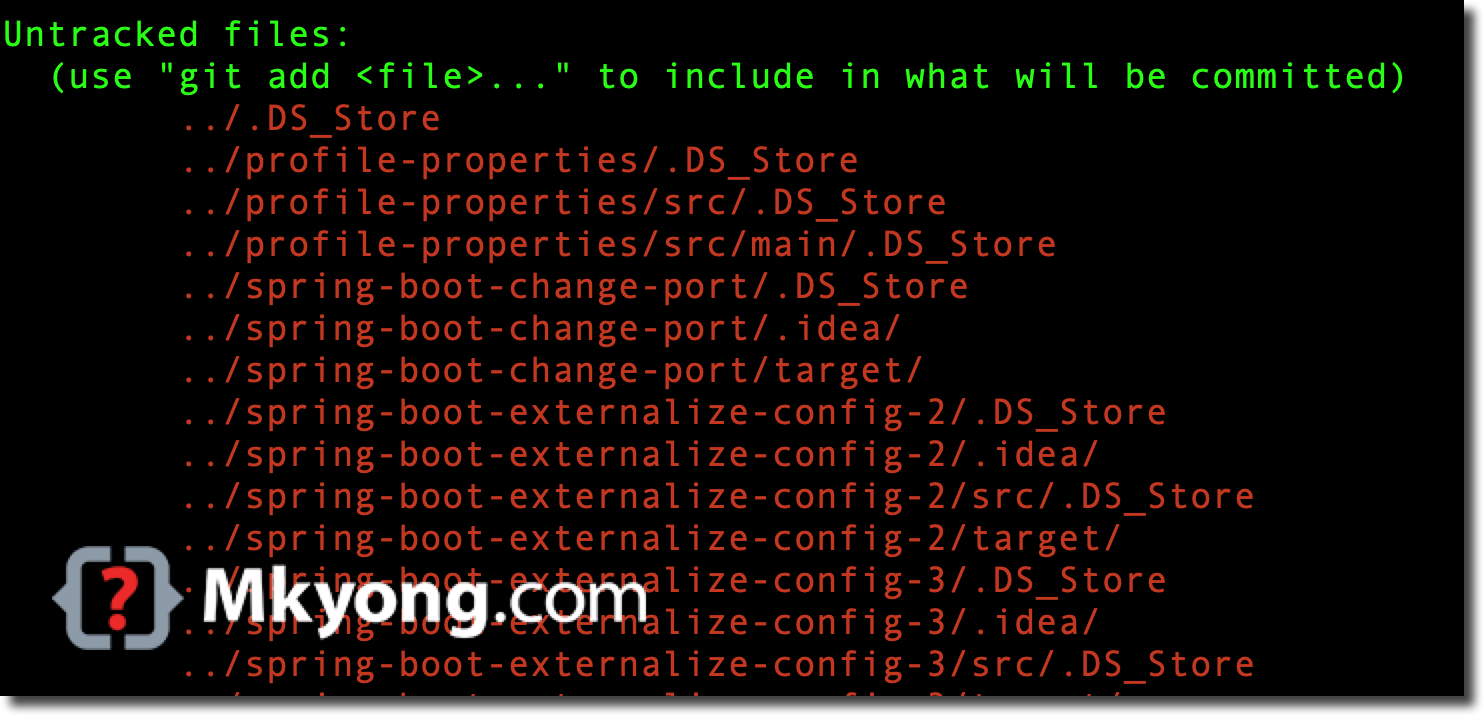
This article shows how to delete .DS_Store files from the current directory and all its subdirectories on macOS.
1. Delete “.DS_Store” files
The below command will delete .DS_Store files from the current directory and all its subdirectories without asking for confirmation.
Terminal
find . -name ".DS_Store" -type f -delete
The command breakdown:
find .– Start searching in the current directory (. represents the current directory).-name ".DS_Store"– Match files with the name ".DS_Store".-type f– Only match files (not directories).-delete– Delete all files that match the criteria.
If the command fails due to permission issues, try running it with sudo:
Terminal
sudo find . -name ".DS_Store" -type f -delete
2. Show and verify all “.DS_Store” files first
It is good practice to run the command without -delete first to verify the list of files that will be deleted.
Terminal
  find . -name ".DS_Store" -type f

./base64string/.DS_Store
./base64string/favicon/.DS_Store
./.DS_Store
./javafx/.DS_Store
./javafx/transformations/.DS_Store
./javafx/event-handling/.DS_Store
./mkyong-scorpion/.DS_Store
./quiz/.DS_Store
./quiz/mkyong-quiz/.DS_Store
./quiz/mkyong-quiz/mkyong-quiz-component/.DS_Store
./quiz/mkyong-quiz/mkyong-quiz-component/node_modules/apexcharts/src/.DS_Store
./quiz/mkyong-quiz/mkyong-quiz-component/node_modules/apexcharts/src/modules/.DS_Store
./quiz/mkyong-quiz/mkyong-quiz-component/build/static/.DS_Store
//...
