In this tutorial, we will create a Micronaut REST API that generates and returns a PDF file using OpenPDF.
Table of contents
- 1. Add OpenPDF Dependency
- 2. Creating the PDF Controller
- 3. Testing the API
- 4. Writing Unit Tests
- 5. FAQs
- 6. Download Source Code
- 7. References
Technologies used:
- Java 21
- Micronaut 4.7.6
- Maven 3.9.6
- OpenPDF 2.0.3
1. Add OpenPDF Dependency
To work with PDFs, we need the OpenPDF library.
pom.xml
<dependency>
    <groupId>com.github.librepdf</groupId>
    <artifactId>openpdf</artifactId>
    <version>2.0.3</version>
</dependency>
2. Creating the PDF Controller
Now, let’s create a Micronaut controller that generates a PDF dynamically and allows users to download it.
PdfController.java
package com.mkyong.controller;

import com.lowagie.text.Document;
import com.lowagie.text.DocumentException;
import com.lowagie.text.Paragraph;
import com.lowagie.text.pdf.PdfWriter;
import io.micronaut.http.HttpHeaders;
import io.micronaut.http.HttpResponse;
import io.micronaut.http.MediaType;
import io.micronaut.http.annotation.Controller;
import io.micronaut.http.annotation.Get;
import io.micronaut.http.server.types.files.StreamedFile;
import io.micronaut.scheduling.TaskExecutors;
import io.micronaut.scheduling.annotation.ExecuteOn;

import java.io.*;

@Controller("/pdf")
public class PdfController {

    // Micronaut will by default run end user operations in the same thread that executes the request.
    // This annotation can be used to indicate that a different thread should be used when executing an operation.

    // Run this download on a separate thread pool that does not block the main Event loop.
    @ExecuteOn(TaskExecutors.BLOCKING)
    @Get("/download")
    HttpResponse<StreamedFile> download() throws IOException {

        try (ByteArrayOutputStream outputStream = new ByteArrayOutputStream()) {

            // Create PDF document
            Document document = new Document();
            PdfWriter.getInstance(document, outputStream);
            document.open();
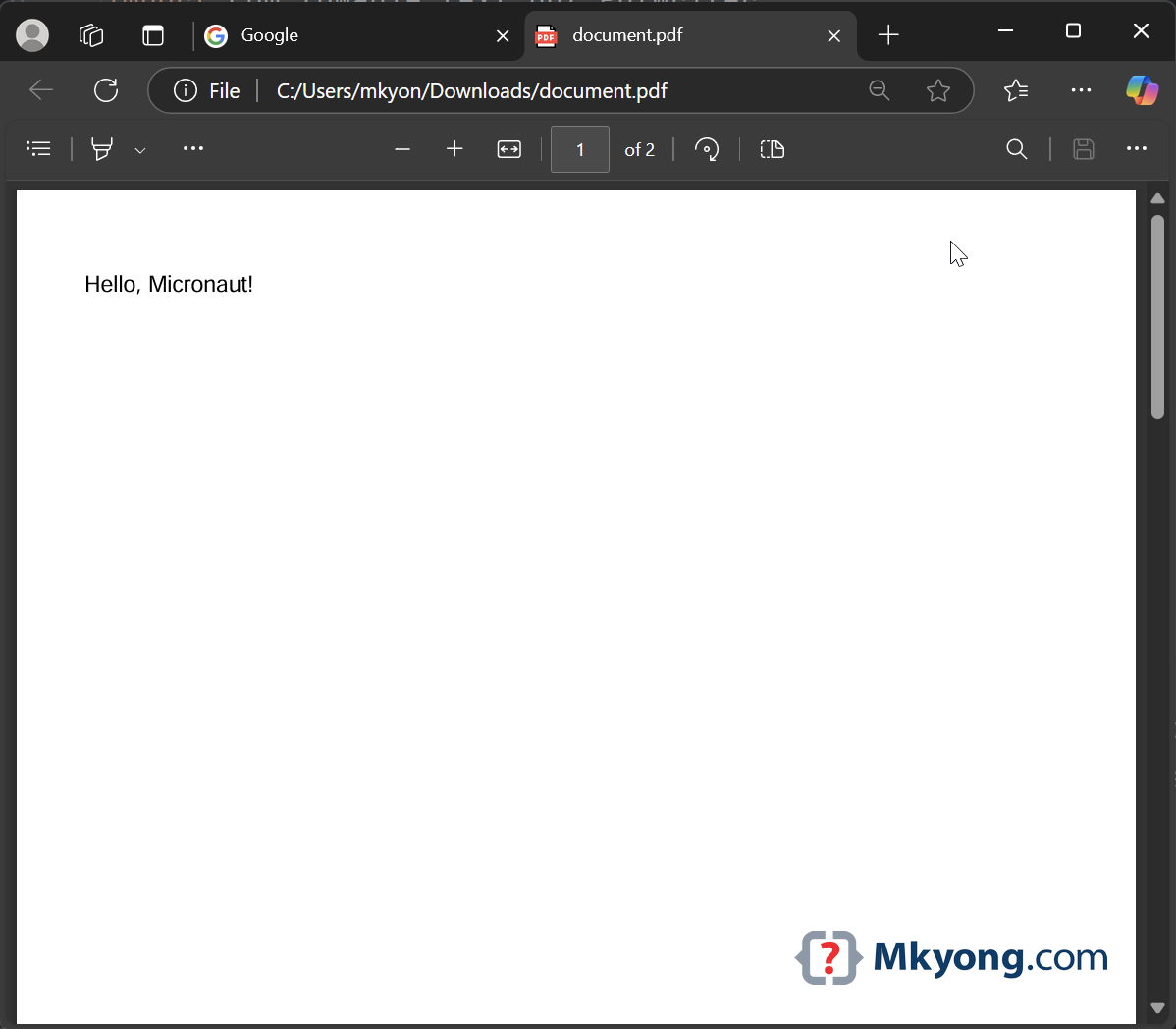
            document.add(new Paragraph("Hello, Micronaut!"));
            document.newPage(); // page 2
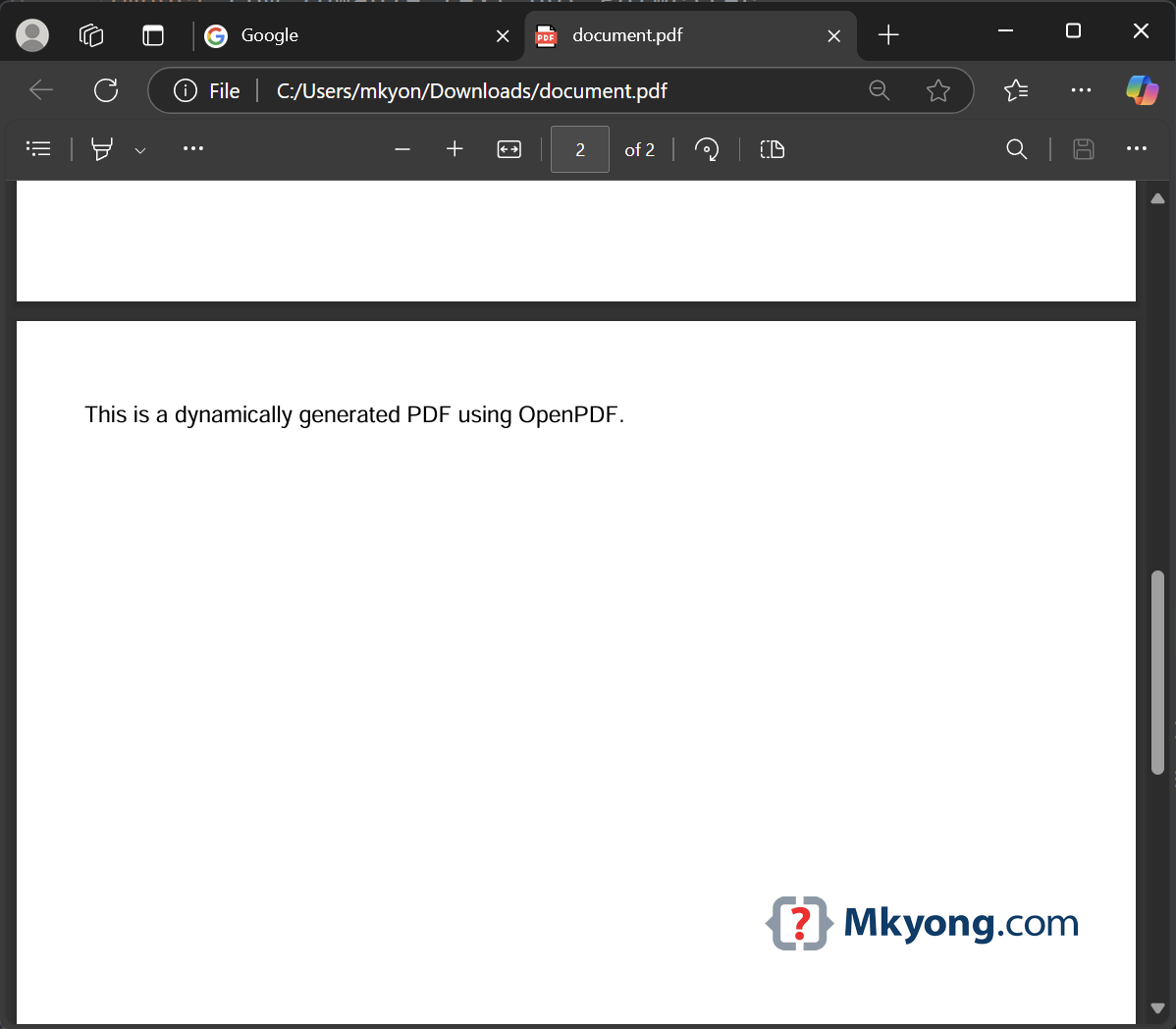
            document.add(new Paragraph("This is a dynamically generated PDF using OpenPDF."));
            document.close();

            // Convert to InputStream for efficient streaming
            InputStream pdfStream = new ByteArrayInputStream(outputStream.toByteArray());

            return HttpResponse.ok(new StreamedFile(pdfStream, MediaType.APPLICATION_PDF_TYPE))
                    .header(HttpHeaders.CONTENT_DISPOSITION, "attachment; filename=document.pdf")
                    .header(HttpHeaders.CONTENT_TYPE, MediaType.APPLICATION_PDF);

        } catch (DocumentException e) {
            return HttpResponse.serverError();
        }

    }

}
3. Testing the API
Run the application using:
Terminal
./mvnw mn:run
Open our browser and go to:
http://localhost:8080/pdf/download
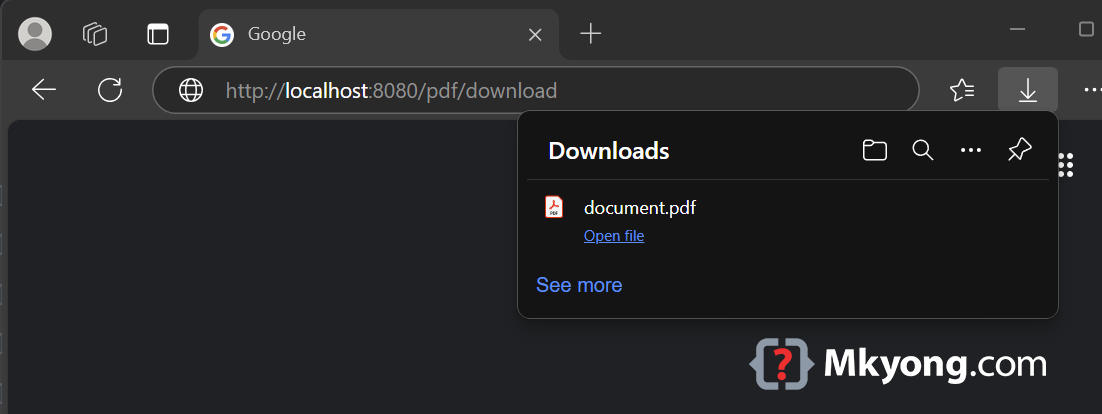
This should prompt a file download named document.pdf.
document.pdf – Page 1
document.pdf – Page 2
4. Writing Unit Tests
Tests the PDF download API /pdf/download, and also the text on the generated pdf file.
PdfControllerTest
package com.mkyong.controller;

import com.lowagie.text.pdf.PdfReader;
import com.lowagie.text.pdf.parser.PdfTextExtractor;
import io.micronaut.http.HttpHeaders;
import io.micronaut.http.HttpResponse;
import io.micronaut.http.MediaType;
import io.micronaut.http.client.HttpClient;
import io.micronaut.http.client.annotation.Client;
import io.micronaut.test.extensions.junit5.annotation.MicronautTest;
import jakarta.inject.Inject;
import org.junit.jupiter.api.Test;

import java.io.IOException;

import static org.junit.jupiter.api.Assertions.*;

@MicronautTest
class PdfControllerTest {

    @Inject
    @Client("/")
    HttpClient client;

    @Test
    void testDownloadPdf() throws IOException {
        HttpResponse<byte[]> response = client.toBlocking().exchange("/pdf/download", byte[].class);

        assertEquals(200, response.getStatus().getCode());
        assertTrue(response.getHeaders().contains(HttpHeaders.CONTENT_DISPOSITION));
        assertTrue(response.getHeaders().get(HttpHeaders.CONTENT_DISPOSITION).contains("attachment; filename=document.pdf"));
        assertTrue(response.getHeaders().contains(HttpHeaders.CONTENT_TYPE));
        assertEquals(MediaType.APPLICATION_PDF, response.getHeaders().getContentType().orElse(null));
        assertNotNull(response.getBody().orElse(null));
        assertTrue(response.getBody().get().length > 0);

        byte[] pdfBytes = response.body();
        // Test Page 1
        String firstPageText = textAtPage(pdfBytes, 1);
        assertEquals("Hello, Micronaut!", firstPageText);

        // Test Page 2
        String secondPageText = textAtPage(pdfBytes, 2);
        assertEquals("This is a dynamically generated PDF using OpenPDF.", secondPageText);

    }

    private static String textAtPage(byte[] pdfBytes, int pageNumber) throws IOException {
        try (PdfReader pdfReader = new PdfReader(pdfBytes)) {
            return textAtPage(pdfReader, pageNumber);
        }
    }

    private static String textAtPage(PdfReader pdfReader, int pageNumber) throws IOException {
        PdfTextExtractor pdfTextExtractor = new PdfTextExtractor(pdfReader);
        return pdfTextExtractor.getTextFromPage(pageNumber);
    }

}
5. FAQs
- Why Use OpenPDF in Micronaut?
- Lightweight & Open-Source – A great alternative to iText.
- Why Use StreamedFile?
- Efficient memory usage – Streams data instead of loading it all at once.
6. Download Source Code
https://github.com/mkyong/micronaut.git
cd returnpdf
./mvnw mn:run
visit http://localhost:8080/pdf/download
