Spring Boot has two ways @Controller vs @RestController to handle web requests.
Things you will use:
- Spring Boot 4.0.6
- Java 25
- Maven 3.9.6
Table of contents:
- The Main Difference
- What is @Controller?
- What if @Controller returns plain text?
- What is @RestController?
- @RestController can send JSON
- Download Source Code
- References
The Main Difference
Here is the short answer.
@Controllerreturns a page name by default. Add@ResponseBodyto send serialized data like plain text or JSON.@RestControllerreturns serialized data (plain text or JSON) always. It is@Controller+@ResponseBodyin one.
You use @Controller for websites with pages. You use @RestController for APIs that send data like JSON.
What is @Controller?
@Controller is used to return a web page (like an HTML page), not plain data. You can read more on the Spring MVC docs.
This example returns the name of a page to show.
package com.mkyong;

import org.springframework.stereotype.Controller;
import org.springframework.web.bind.annotation.GetMapping;

// @Controller means this class returns web pages
@Controller
public class HelloController {

    // When you open /hello in a browser, this runs
    @GetMapping("/hello")
    public String hello() {
        // This returns the NAME of a page called "hello"
        return "hello";
    }
}
Now you make the page file. Put it in src/main/resources/templates/hello.html.
<!DOCTYPE html>
<html>
<head>
    <title>Hello Page</title>
</head>
<body>
    <!-- This is the text the reader will see -->
    <h1>Hello World from a page!</h1>
</body>
</html>
Output, visits http://localhost:8080/hello
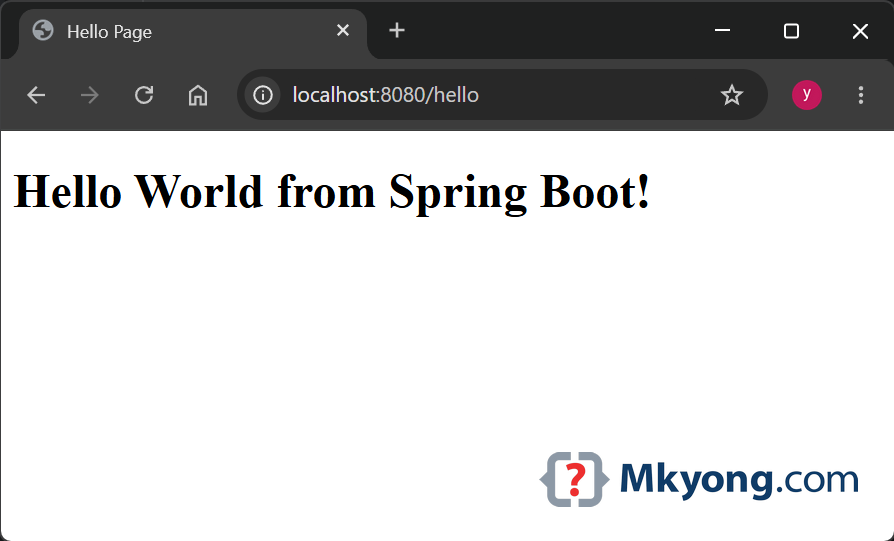
The word hello is not text on the screen. It is the name of a page to find and show.
**Note **
To make Spring find HTML pages by name, you need a template engine like Thymeleaf. Add this to your pom.xml:
    <!-- Spring Boot 4 Web -->
    <dependency>
        <groupId>org.springframework.boot</groupId>
        <artifactId>spring-boot-starter-webmvc</artifactId>
    </dependency>

    <!-- Test Controller Returns Page -->
    <dependency>
        <groupId>org.springframework.boot</groupId>
        <artifactId>spring-boot-starter-thymeleaf</artifactId>
    </dependency>
What if @Controller returns plain text?
You add @ResponseBody to send back plain text instead of a page.
package com.mkyong;

import org.springframework.stereotype.Controller;
import org.springframework.web.bind.annotation.GetMapping;
import org.springframework.web.bind.annotation.ResponseBody;

@Controller
public class HelloTextController {

    // @ResponseBody means "send this text back, not a page name"
    @GetMapping("/hello2")
    @ResponseBody
    public String hello() {
        return "Hello World";
    }
}
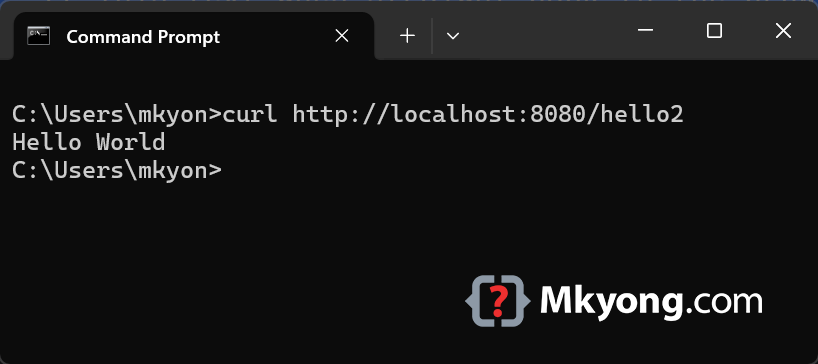
Output, curl http://localhost:8080/hello2
What is @RestController?
@RestController always sends back serialized data, never a page. It is @Controller and @ResponseBody joined into one word.
You do not need @ResponseBody here. It is built in.
package com.mkyong;

import org.springframework.web.bind.annotation.GetMapping;
import org.springframework.web.bind.annotation.RestController;

// @RestController always sends back serialized data (text or JSON)
@RestController
public class HelloRestController {

    @GetMapping("/hello3")
    public String hello() {
        // This text goes straight back to the browser
        return "Hello World @RestController";
    }

}
Output, curl http://localhost:8080/hello3
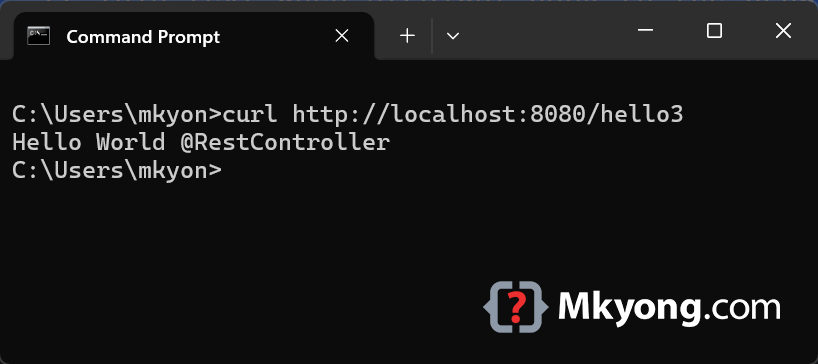
You got the same result with less code. No @ResponseBody needed.
@RestController can send JSON
"JSON" is a simple way to write data, like a list of facts. Spring turns your object into JSON for you.
package com.mkyong;

import org.springframework.web.bind.annotation.GetMapping;
import org.springframework.web.bind.annotation.RestController;

@RestController
public class HelloRestJsonController {

    // When you open /user, this runs
    @GetMapping("/user")
    public User user() {
        // Make a new user and send it back
        return new User("mkyong", 40);
    }

    // A simple class to hold user data
    public record User(String name, int age) {}
}
Output, curl http://localhost:8080/user
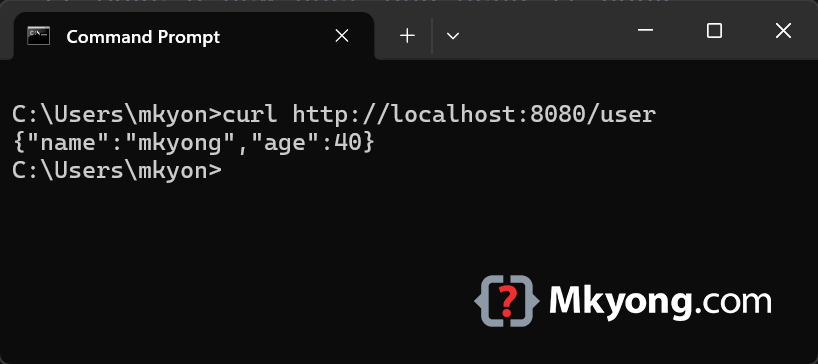
You returned a User object. Spring changed it into JSON all by itself.
Download Source Code
$ git clone https://github.com/mkyong/spring-boot.git
$ cd spring-boot-controller-restcontroller
$ mvn spring-boot:run
Visit http://localhost:8080/hello
