In this article, we will explore the different types of dependency injection available in Micronaut.
Table of contents
- 1. Constructor Injection
- 2. Field Injection
- 3. Method Injection
- 4. Compile-Time vs. Runtime Dependency Injection in Micronaut
- 5. Unit Testing Dependency Injection
- 6. Download Source Code
- 7. References
Technologies used:
- Java 21
- Micronaut 4.7.6
- Maven 3.x
The Micronaut Framework implements the JSR-330 – Dependency Injection for Java specification
1. Constructor Injection
Constructor injection is the recommended way to inject dependencies in Micronaut. It ensures that the required dependencies are available when an object is created.
Injecting a Single Dependency
In constructor-based injection, Micronaut automatically provides the necessary dependencies when an instance is created.
Service Interface
package com.mkyong.Services;

public interface GreetingService {
    String speak(String words);
}
Implementation Class
package com.mkyong.Services;

import jakarta.inject.Singleton;

@Singleton
public class EnglistGreetingService implements GreetingService{
    @Override
    public String speak(String words) {
        return "Hello " + words;
    }
}
Controller
package com.mkyong.controllers;

import com.mkyong.Services.GreetingService;
import com.mkyong.Services.TimeService;
import io.micronaut.http.annotation.Controller;
import io.micronaut.http.annotation.Get;
import jakarta.inject.Named;

@Controller("/app")
public class App2Controller {
    private final GreetingService greetingService;

    // injects EnglistGreetingService
    public AppController(GreetingService greetingService) {
        this.greetingService = greetingService;
    }

    @Get("/say")
    public String sayHello() {
        return greetingService.speak("Micronaut");
    }

}
Injecting Multiple Dependencies
Additional Service Interface
package com.mkyong.Services;

public interface TimeService {
    String getCurrentTime();
}
Implementation Class
package com.mkyong.Services;

import jakarta.inject.Singleton;
import java.time.LocalTime;

@Singleton
public class DefaultTimeService implements TimeService {
    public String getCurrentTime() {
        return LocalTime.now().toString();
    }
}
Updated Controller
package com.mkyong.controllers;

import com.mkyong.Services.GreetingService;
import com.mkyong.Services.TimeService;
import io.micronaut.http.annotation.Controller;
import io.micronaut.http.annotation.Get;

@Controller("/app")
public class AppController {
private final GreetingService greetingService;
private final TimeService timeService;

    // Micronaut find and injects required dependencies
    public AppController(GreetingService greetingService, TimeService timeService) {
        this.greetingService = greetingService;
        this.timeService = timeService;
    }

    @Get("/say")
    public String sayHello() {
        return greetingService.speak("Micronaut") + " at " + timeService.getCurrentTime();
    }

}
Handling Multiple Implementations
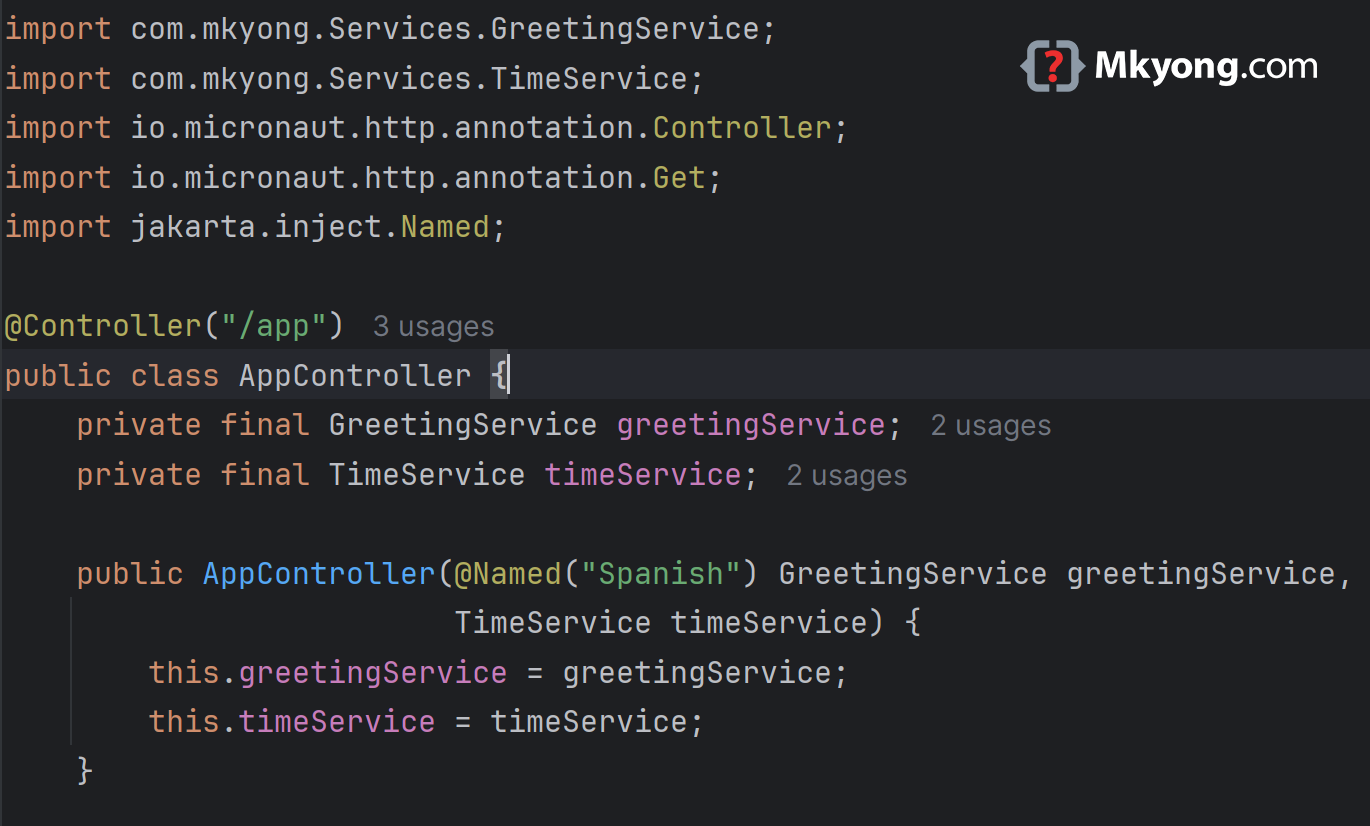
When multiple implementations exist, we can use @Named("BeanName") to specify which one to inject. Alternatively, @Primary marks the default implementation.
English Greeting Service (Default)
package com.mkyong.Services;

import io.micronaut.context.annotation.Primary;
import jakarta.inject.Singleton;

@Singleton
@Primary // default
public class EnglistGreetingService implements GreetingService{
    @Override
    public String speak(String words) {
        return "Hello " + words;
    }
}
Spanish Greeting Service
package com.mkyong.Services;

import jakarta.inject.Named;
import jakarta.inject.Singleton;

@Singleton
@Named("Spanish")
public class SpanishGreetingService implements GreetingService {
    @Override
    public String speak(String words) {
        return "Hola " + words;
    }
}
Controller Using Spanish Service
package com.mkyong.controllers;

import com.mkyong.Services.GreetingService;
import com.mkyong.Services.TimeService;
import io.micronaut.http.annotation.Controller;
import io.micronaut.http.annotation.Get;
import jakarta.inject.Named;

@Controller("/app")
public class AppController {
    private final GreetingService greetingService;
    private final TimeService timeService;

    public AppController(@Named("Spanish") GreetingService greetingService,
                         TimeService timeService) {
        this.greetingService = greetingService;
        this.timeService = timeService;
    }

    @Get("/say")
    public String sayHello() {
        return greetingService.speak("Micronaut") + " at " + timeService.getCurrentTime();
    }

}
2. Field Injection
Field injection allows dependencies to be injected directly into class fields using the @Inject annotation. However, it is not recommended as it makes testing difficult.
package com.mkyong.controllers;

import com.mkyong.Services.GreetingService;
import com.mkyong.Services.TimeService;
import io.micronaut.http.annotation.Controller;
import io.micronaut.http.annotation.Get;
import jakarta.inject.Inject;

@Controller("/app3")
public class App3Controller {

    // field injection
    @Inject
    private GreetingService greetingService;

    @Inject
    private TimeService timeService;

    @Get("/say")
    public String sayHello() {
        return greetingService.speak("Micronaut") + " at "
                + timeService.getCurrentTime();
    }

}
Why Avoid Field Injection?
- Harder to test because dependencies cannot be directly provided in constructors.
- Breaks immutability as injected fields must be non-final.
3. Method Injection
Method injection enables dependency injection via setter methods using the jakarta.inject.Inject annotation.
package com.mkyong.controllers;

import com.mkyong.Services.GreetingService;
import io.micronaut.http.annotation.Controller;
import io.micronaut.http.annotation.Get;
import jakarta.inject.Inject;

@Controller("/app4")
public class App4Controller {

    private GreetingService greetingService;

    // method injection
    @Inject
    public void setGreetingService(GreetingService greetingService) {
        this.greetingService = greetingService;
    }

    @Get("/say")
    public String sayHello() {
        return greetingService.speak("Micronaut");
    }

}
When to Use Method Injection?
- When dependencies are optional.
- When a class has existing setter methods.
4. Compile-Time vs. Runtime Dependency Injection in Micronaut
Micronaut’s dependency injection happens at compile-time, unlike Spring, which resolves dependencies at runtime using reflection. This improves startup time and reduces memory consumption.
How does Micronaut achieve compile-time DI?
- Ahead-of-Time (AOT) Compilation: Micronaut processes annotations at compile-time to generate dependency injection metadata.
- No Reflection: Since dependencies are resolved during compilation, there is no runtime scanning, reducing memory usage and startup time.
- Fast Execution: Applications start faster and consume fewer resources compared to runtime-based DI frameworks.
When does runtime DI still occur?
While most DI happens at compile-time, some scenarios still involve runtime processing:
- Dynamic Bean Resolution: If a bean is looked up dynamically via
ApplicationContext.getBean(Class<T>), it happens at runtime. - Conditional Beans: Beans that depend on runtime conditions (e.g., environment variables) may be resolved at runtime.
- Lazy Initialization: When using
Provider<T>, the actual instantiation happens only whenget()is called, leading to a form of runtime injection.
5. Unit Testing Dependency Injection
Using constructor injection makes unit testing easy by allowing dependencies to be replaced with mocks.
package com.mkyong;

import com.mkyong.Services.GreetingService;
import com.mkyong.Services.TimeService;
import com.mkyong.controllers.AppController;
import io.micronaut.test.extensions.junit5.annotation.MicronautTest;
import org.junit.jupiter.api.Test;

import static org.mockito.Mockito.*;

@MicronautTest
class AppControllerTest {

    @Test
    void testGreeting() {
        GreetingService mockService = mock(GreetingService.class);
        TimeService mockTimeService = mock(TimeService.class);

        when(mockService.speak("Micronaut")).thenReturn("Hello, Micronaut");
        when(mockTimeService.getCurrentTime()).thenReturn("10:00 AM");

        AppController controller = new AppController(mockService, mockTimeService);
        controller.sayHello();

        verify(mockService, times(1)).speak("Micronaut");
        verify(mockTimeService, times(1)).getCurrentTime();
    }

}
6. Download Source Code
https://github.com/mkyong/micronaut.git
cd dependencyinjection
